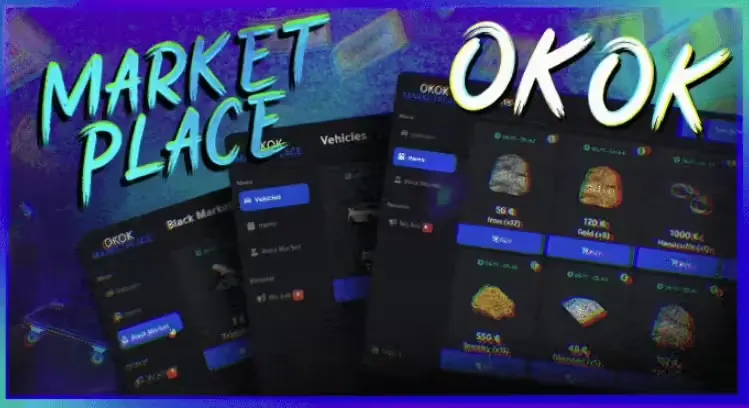
[Explanation]
This is a Marketplace System with a trading interface that allows your players to trade their items.
[How it works]
Informations:
- There are 3 types of markets:
- Vehicles Market;
- Items Market;
- Black Market.
- On each market you can search, sort and place advertisements;
- You can sort the items from the Newest to the Oldest, from the Lowest Price and from the Highest Price;
- You can search for any item/vehicle name;
- You can refresh the different pages;
- You can view the Seller info such as their name, phone number and the product description;
- After placing an advertisement you can Cancel or Claim it (after being sold);
- The Black Market can only be accessed by jobs/societies and grades setted on the config file;
- On the Black Market you can sell Weapons and Items (setted on the config file);
- To sell a vehicle it needs to be in your garage (you can’t sell impounded vehicles);
- It includes Discord logs such as:
- Place Ad;
- Buy Item;
- Claim Ad;
- Cancel Ad.
In the config file you are able to set:
- If you want to open the Marketplace menu through a blip or through a command;
- The command that opens the menu (if you’re not using blips);
- If you want to use okokTextUI;
- If you want to show the blips on the map;
- The blips coordinates;
- The allowed jobs/societies that can access the Black Market;
- If you want to use only dirty money on the Black Market;
- A items blacklist for the Items Market (for example: if you only want weapons/illegal items to be sold on the Black Market);
- A vehicles blacklist (to block some vehicles from being sold on the Vehicles Market).
okokNotify is not included.
okokTextUI is not included.



