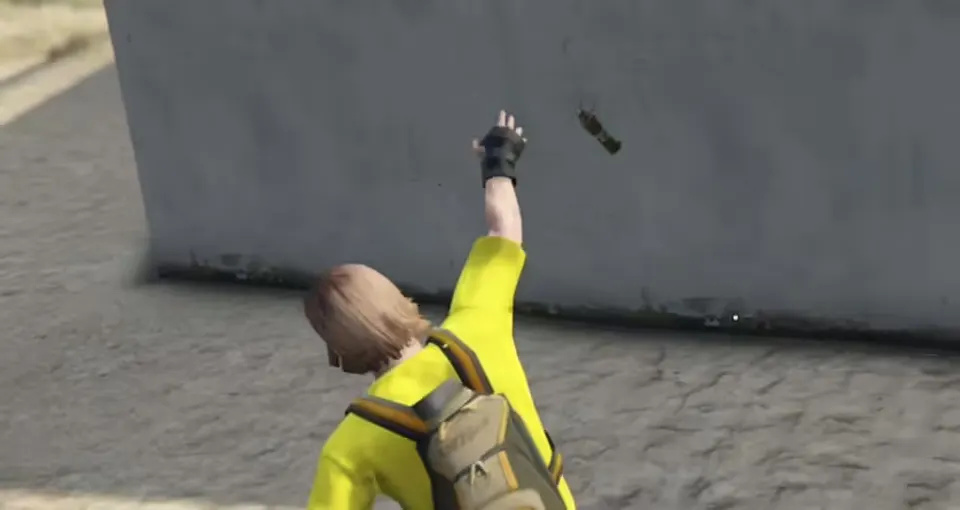
This script adds a throwable flashbang (weapon_flashbang) to FiveM. Players caught in the blast are stunned for a set time, and their voice chat can be muted while they are fully flashed. Use it for police roleplay!
Configuration
The script has a separate config file where you can set:
- Weapon label
- Time to explosion
- Enabling or disabling voice chat while fully flashed (works with mumble-voip and pma-voice)
- Effect duration
- Sound effect volume
- Range in which the grenade works
QBCore setup
For QBCore, the original guide lists these changes:
- Add the weapon to
qb-core/shared/weapons.lua:['weapon_flashbang'] = {['name'] = 'weapon_flashbang', ['label'] = 'flashbang', ['ammotype'] = nil, ['damagereason'] = 'Bombed / Exploded / Detonated / Blew up'}, - Add an item entry for
weapon_flashbangtoqb-core/shared/items.lua. The original guide shows theweapon_grenadeentry as the template:['weapon_grenade'] = {['name'] = 'weapon_grenade', ['label'] = 'Grenade', ['weight'] = 1000, ['type'] = 'weapon', ['ammotype'] = nil, ['image'] = 'images/weapon_grenade.png', ['unique'] = true, ['useable'] = false, ['description'] = 'A handheld throwable bomb'}, - In
qb-weapons/client/main.lua(around lines 180–181) add:elseif QBCore.Shared.Weapons[weapon]["name"] == "weapon_flashbang" then TriggerServerEvent('QBCore:Server:RemoveItem', "weapon_flashbang", 1) - In
qb-inventory/client/main.lua(line 449) addweaponName == "weapon_flashbang"to the list of throwables (stickybomb, pipebomb, smokegrenade, flare, proxmine, ball, molotov, grenade, bzgas).



