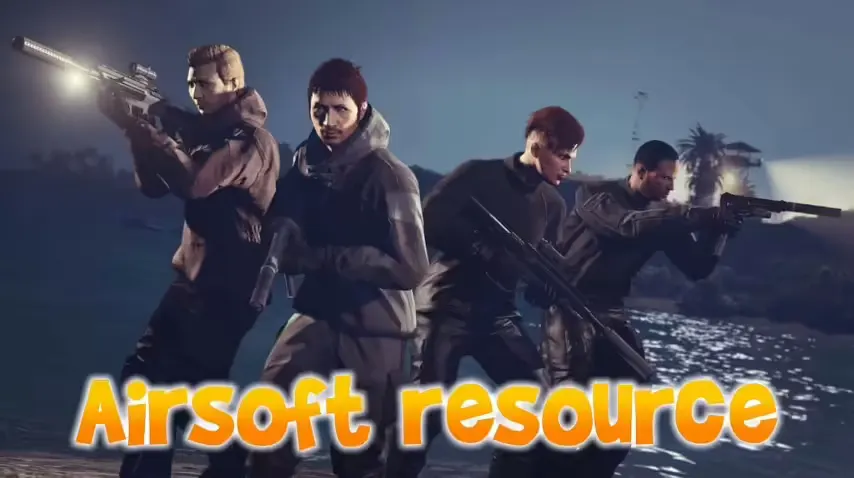
ESX Airsoft is a shooter minigame for ESX servers. Play with your friends or random players for fun or to earn some money.
How it works
You create your own lobby or join an existing one. Creating or joining a lobby costs a fee, and at the end of the match the winner takes all the money deposited to the lobby. The lobby owner sets the lobby name, joining fee, game time and map, and can make the lobby private with a password. There are three default maps, and you can create more in the config file.
Once a lobby has the minimum number of players, the match can begin. Everyone in the lobby is teleported to the selected map zone, and the shooting starts after all players have loaded. Only the player with the most kills wins the pot. The match runs in a separate virtual world, so the outside world does not notice anything.
Features
- Detailed config file: refresh times, cooldowns, respawn time, spawn protection, map creation (own props, zone settings, weapons, spawn points), language
- Lobby system: all players can join a lobby or create their own
- Different maps with zones; players can’t leave the zones (they are respawned at a random point)
- Virtual worlds, so players of different lobbies don’t see each other on the same map
- Options for enemies on the minimap, unlimited stamina and health reset after a kill
- Airsoft marker and blip on the map (position set in the config)
- Map loading check for every player: if a player can’t load the map in time, the match won’t start
- Inventory (items, weapons, cash) is saved before the match and restored when the match ends or the player disconnects
- UI written in Vue.js, mostly responsive; the Vue source is included
- No IP lock
Requirements
- ESX (at least v1.2): player, weapons, notifications and callbacks. Weapons only work with inventories that use the default ESX methods.
- esx_ambulancejob or another death system (needs the change below)
- mysql-async
- Artifact build 4304 or higher
Installation
- Copy the
esx_airsoftfolder into your resources folder and addensure esx_airsoftto yourserver.cfg. - Adjust maps, lobby settings and timers in
config.lua. - Change the
esx:onPlayerDeathevent in your ambulancejob to the following code:
AddEventHandler('esx:onPlayerDeath', function(data)

	ESX.TriggerServerCallback('esx_airsoft:server:getPlayerLobbyData', function(lobby)

        if (lobby and not lobby.started and not lobby.teleported) or lobby == nil then

			OnPlayerDeath()

        end

    end)

end)
After this modification, the normal death method runs when a player dies outside of a match; inside a match the airsoft respawn runs instead. If you use a different ambulance job, you need to make the same change there yourself.



