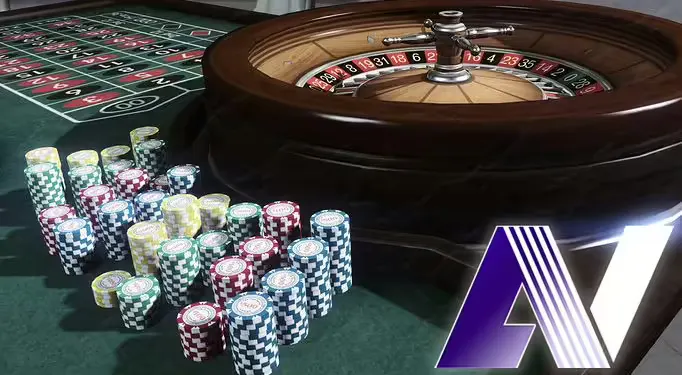
ESX Roulette is a casino roulette script inspired by GTA Online. You sit down at a table, place your chips and play with other players. The author originally made it for his own server.
Features
- Synced sitting animations
- Synced betting objects (chips)
- You can leave the table after the game has started. The round continues, your bets stay in place, and you still get the reward if you win.
- Synced reaction animations when you win or lose
- The dealer peds talk when you sit down, place a bet and so on
- Four preset tables in the casino interior, each with its own minimum and maximum bet; you can add or remove tables in
config.lua - Roulette wheel with 0 and 00
- Configurable countdown before the round starts after you sit down (default 40 seconds)
Requirements
- ESX /
es_extended(used for the locale files) - A casino interior at the table positions, or your own table coordinates
Important information
- You have to set up the framework yourself. The included resource is
kaszino_rulett_standalone. - The script was originally written in Hungarian, so some variable names are Hungarian. English translations are included in
translations.lua(Config.TranslationSelected = 'en'). - It uses custom notification events that your ESX may not have:
showNotification(server),ShowNotification(client) and theNotifyevent. Replace them with your own notification events. - The custom left-side notification from the video is not included; without changes you get the default GTA notification.
- You need a basic understanding of FiveM scripting to set it up. The code has comments.
- Debug output is on by default (
Config.Debug = true). Set it tofalseon a live server.
Installation
- Put
kaszino_rulett_standaloneinto your resources and addensure kaszino_rulett_standaloneto your server.cfg. - Connect the money handling and notifications to your framework, then adjust tables and bets in
config.lua.



