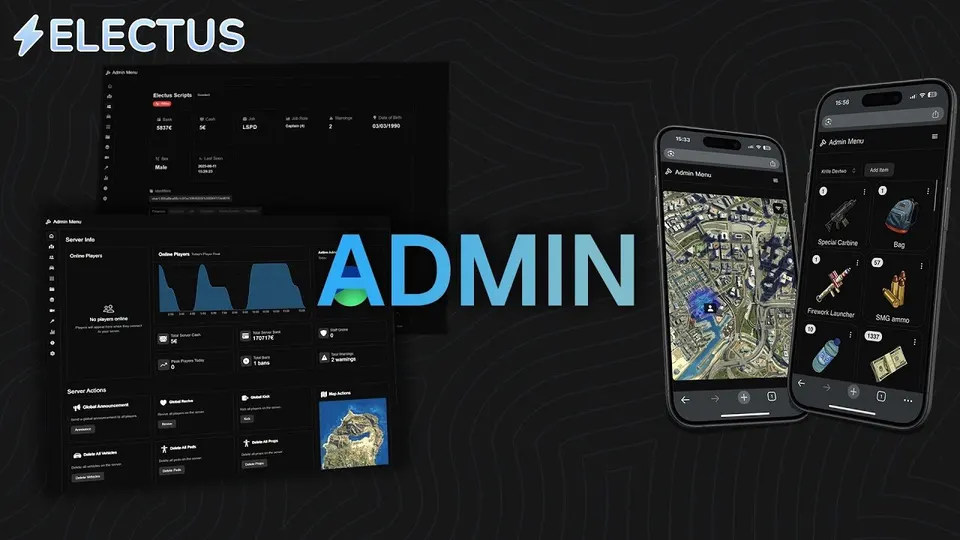
Electus Admin Tool (version 1.2.1) is an admin menu for ESX, QBCore and Qbox servers. Your staff can use it in-game or through a web panel in the browser, and edit online and offline players.
Features
- Browser access: a web panel served by the included backend, with staff logins, so you can manage the server outside the game.
- Player management: edit money, job, name and more for online and offline players; player notes.
- Inventory integration: view and edit inventories of online and offline players (ox_inventory, qs-inventory, core_inventory, qb-inventory).
- Garage integration: manage vehicles on the server and in the database, change plates and transfer ownership (esx_garage, qb-garages, jg-advancedgarages).
- Item database: see who owns which items and add, remove or set item counts.
- Live map of online players.
- Spectating, including spectating in the browser.
- Penalties: bans (temporary or permanent) and warnings.
- Server actions: announcements, revive all, delete props, peds or vehicles, freeze players, set time and weather, kick all.
- Statistics: daily, weekly and monthly player count, balance, tracked items and job counts.
- Alerts for item, vehicle and balance counts.
- Permissions: staff roles with permissions and sub-permissions.
Requirements
- ESX, QBCore or Qbox (for Qbox, uncomment the two
qbx_corelines infxmanifest.lua) - ox_lib and oxmysql
Installation
- Import
electus_admin.sql(and1.1.sqlwhen updating from an older version). - In
config/config.lua, set framework, inventory, garage, locale, your server IP and port, and the tracked jobs and items. - In
server_config/config.lua, setownerLicenseto your own license. Replace any value that is already filled in. - Add
ensure electus_adminto your server.cfg and open the menu with/adminmenu.



