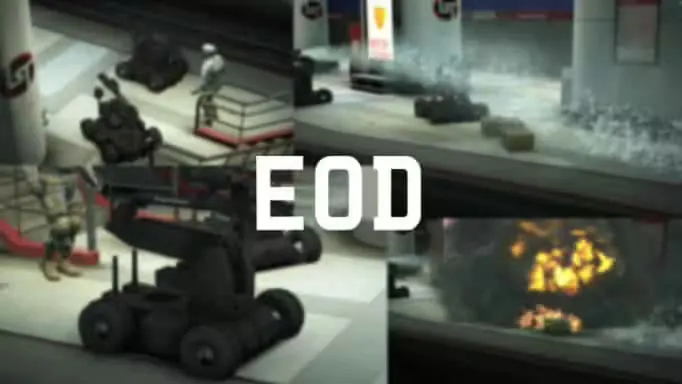
This resource lets players set up and use a remote controlled bomb disposal robot (EOD). The robot is fully controllable and can carry out a controlled explosion, shoot a jet of water and stream a live camera view. This means you can watch the robot’s camera while you stay far away from the threat. Night vision helps you in the dark.
Usage
/eod– Deploys the robot in front of you, or removes it again- Arrow keys – Move the robot
- Enter – Toggle the live stream camera
- Home – Toggle night vision (while on the camera)
- Page Up – Start a controlled explosion; press Page Up again within 5 seconds to cancel it
- Insert – Hold to spray a jet of water
Features
- Remote controlled EOD robot – Use
/eodto set up a robot in front of you. An on-screen display shows the key binds. - Live stream camera – View the scene from the robot’s position as it moves round corners and enters buildings.
- Night vision – Brightens the camera view for dark areas.
- Water jet – Synced with all players. Used in roleplay to disarm a bomb (the wires) or to stop a fire after a controlled explosion.
- Controlled explosion – Starts a countdown that you can cancel before detonation. Includes audio and an effect for nearby players. A small fire may start; the water jet can put it out.
Framework integration (vRP / ESX / others)
- Permission checks – Edit
server.luato add your own permission check, for example with exports, a database check, vRP or ESX.
Installation
- Copy the
EODfolder into your server’sresourcesfolder. - Add
ensure EODto yourserver.cfg.
Note: the robot model is streamed as a replacement for the vanilla airtug model (airtug.yft, airtug.ytd), so the normal airtug vehicle will look like the robot on your server.



