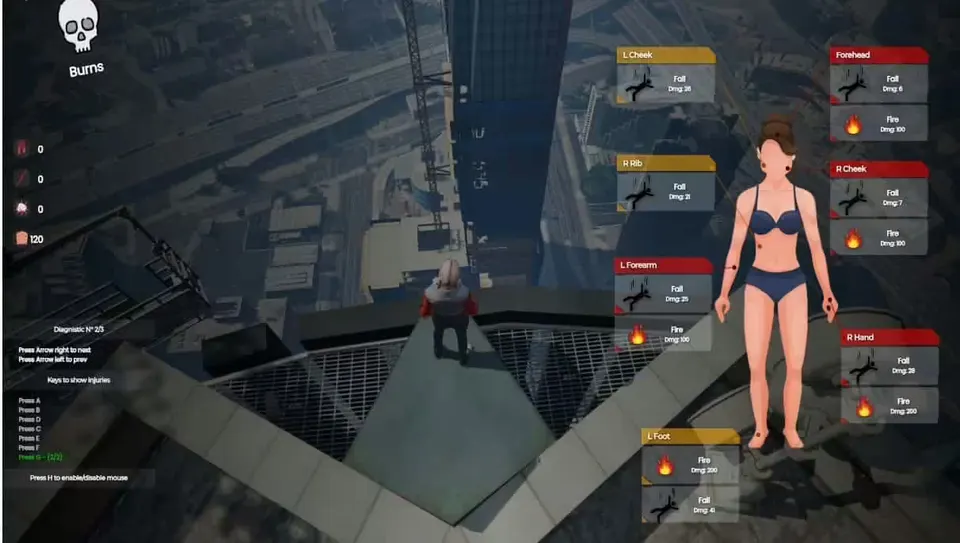
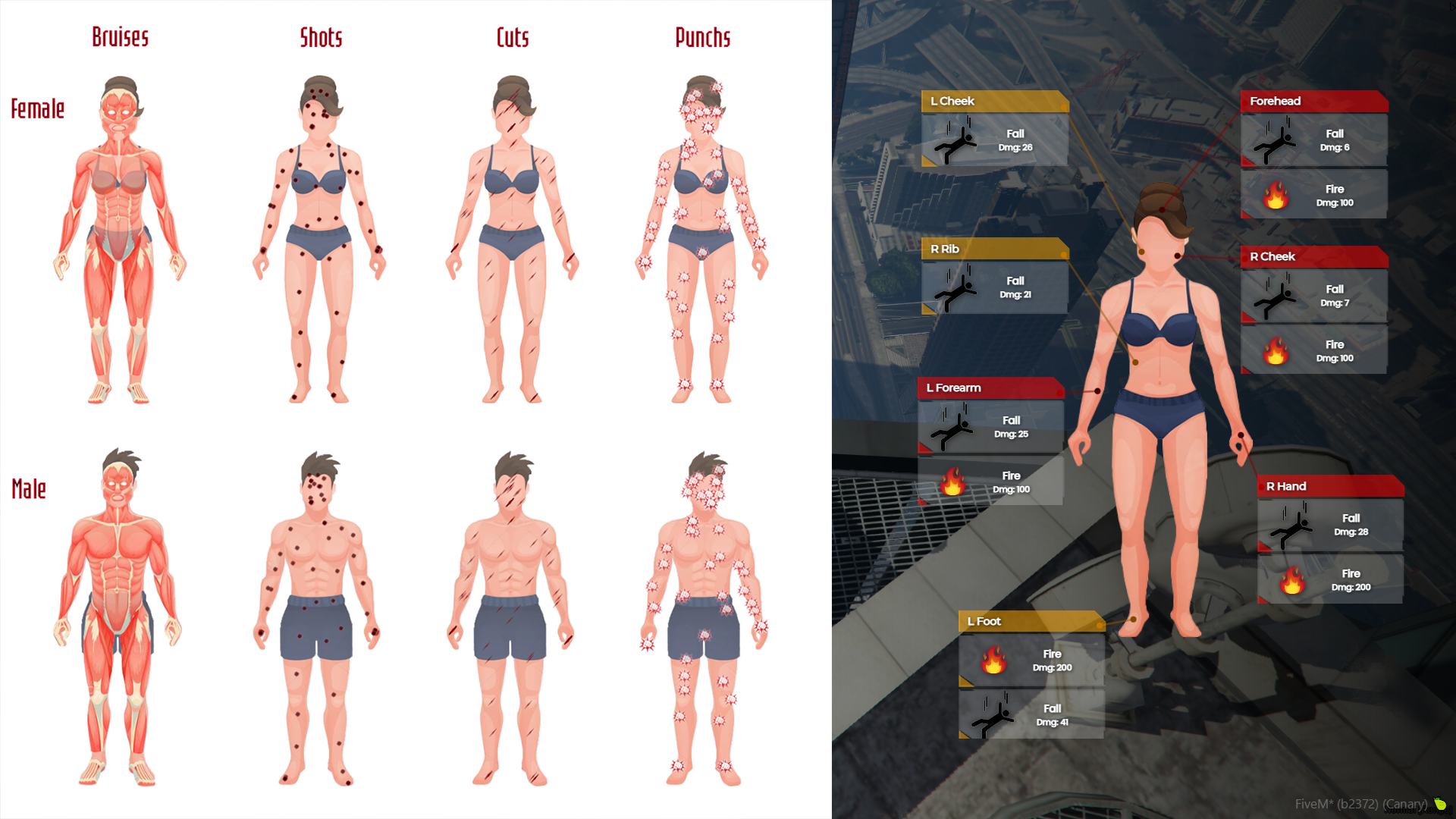
Body Damages V2 shows you and your medics which damage a player has taken: gunshots, cuts, bruises and punches on a body diagram, plus the cause of death (for example drowning, being run over, an explosion or a fall). It was made for roleplay servers with doctors, but you can use it on other server types too. This second version adds a new interface and includes the old and classic templates.
Interface
- Three interface templates: new, classic and old, selectable in the config.
Template: new
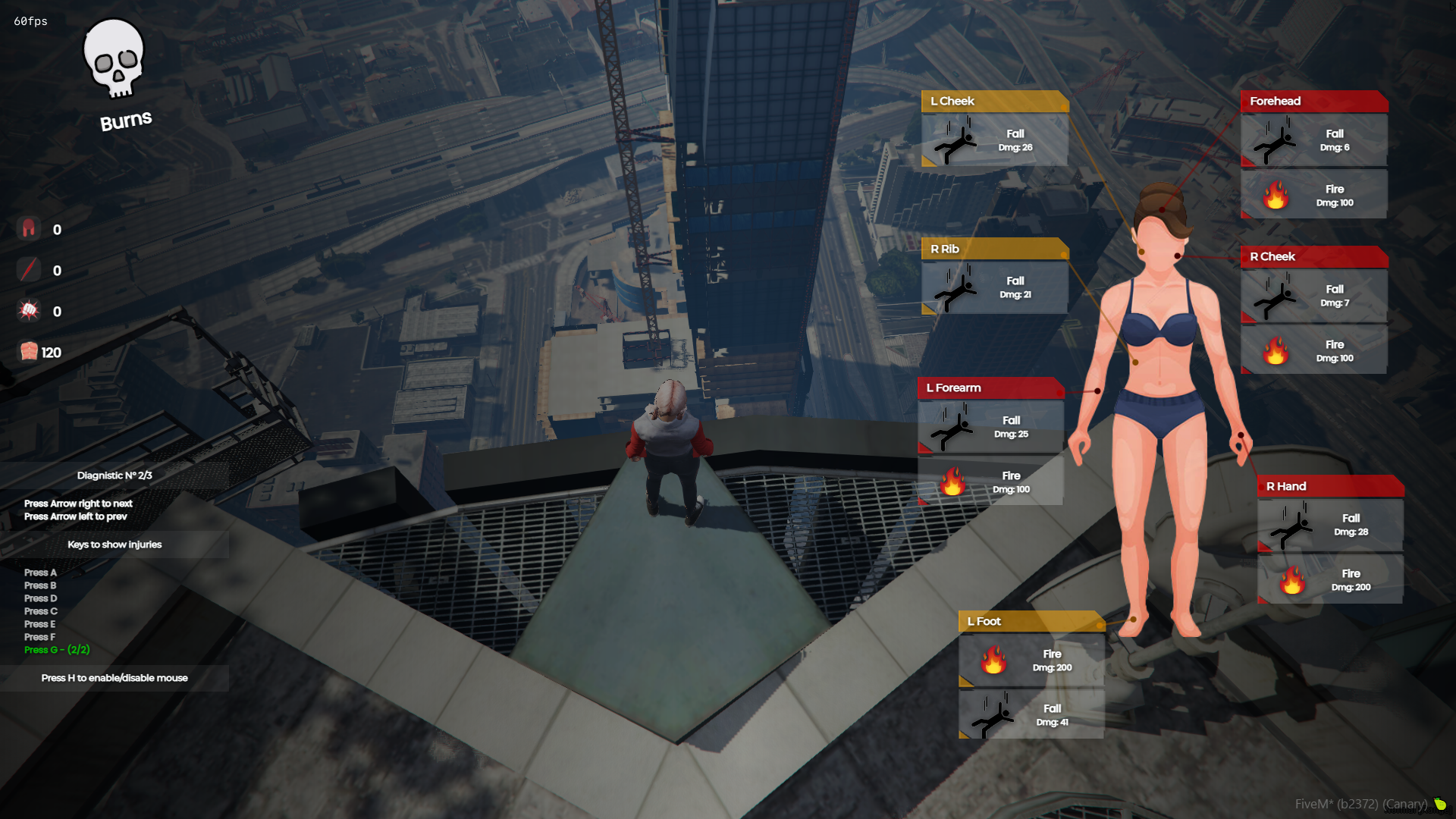
Template: classic
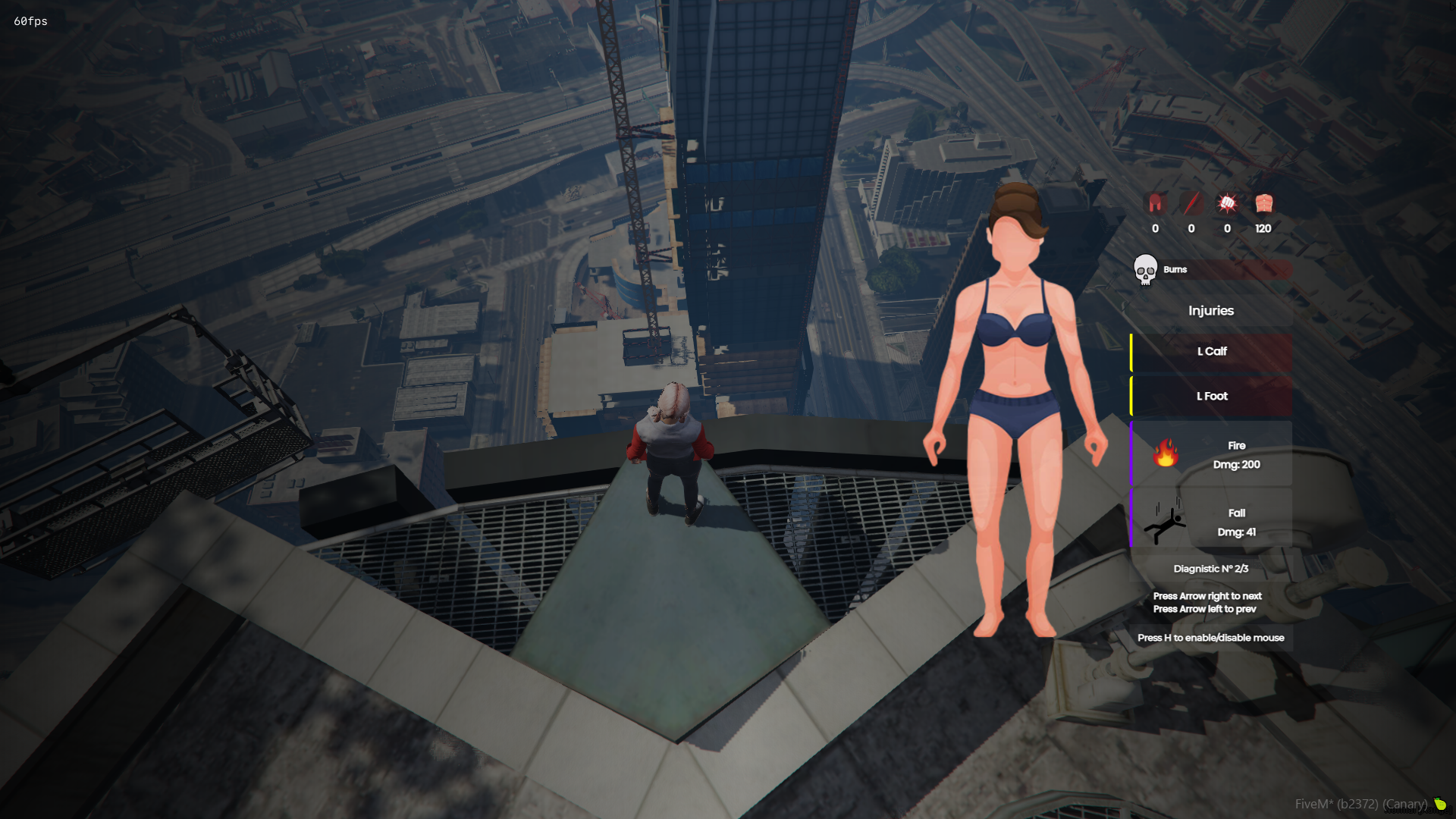
Template: old
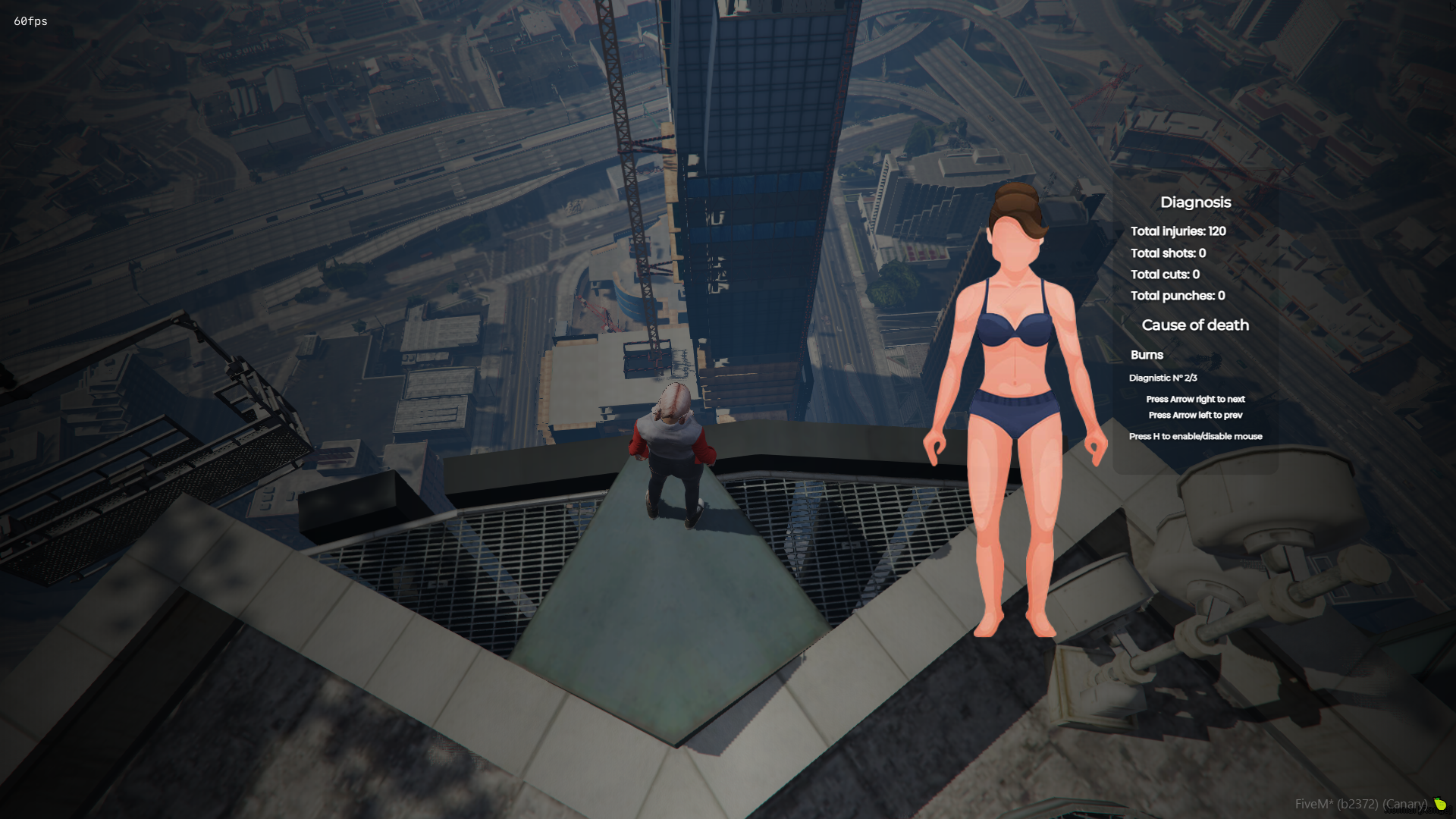
- Set the x/y position of the body on screen and the GUI scale (values above 1.0 may look odd).
- All interface texts can be translated in the config.
- In the new and classic templates, press H to enable the mouse cursor so you can read the details and use the buttons.
- Close the interface by typing the command again or pressing ESC, DELETE, BACKSPACE or the right mouse button.
Commands
/healthshows the damage you have taken./diagshows the damage taken by the nearest player.- Both command names can be changed in the config.
Features
- Shows injuries on the body: bruises, gunshots, cuts and punches.
- The body image switches automatically for male and female peds.
- The information resets once the player is back to maximum health.
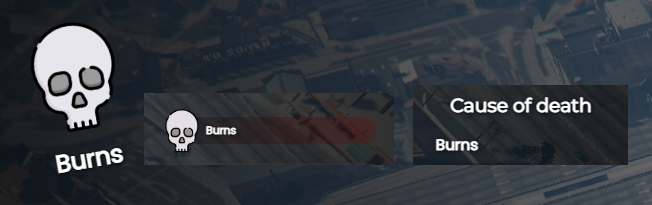
- Shows the cause of death.
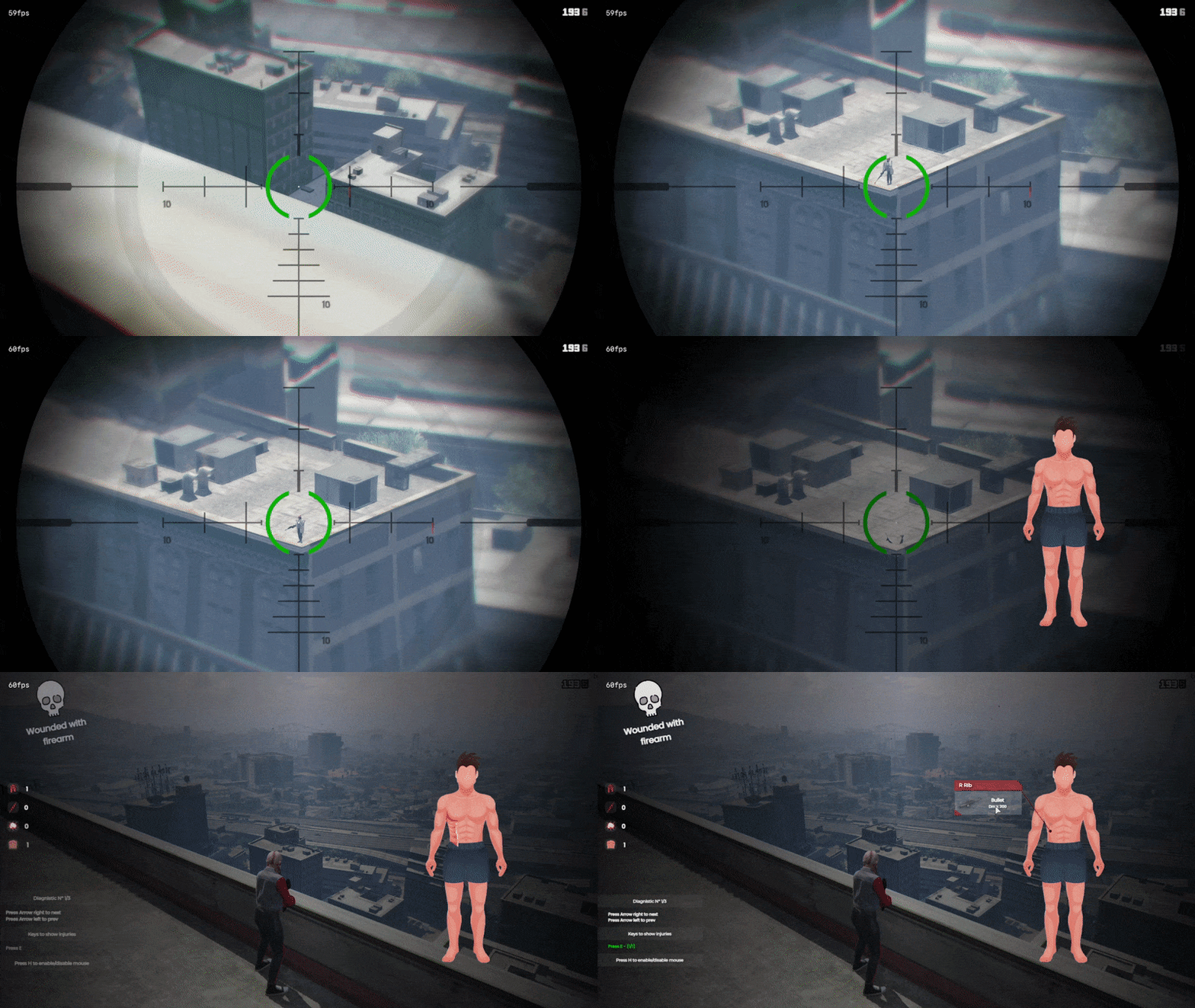
- Optional: when you kill a player, the interface opens automatically with that player’s damage information.
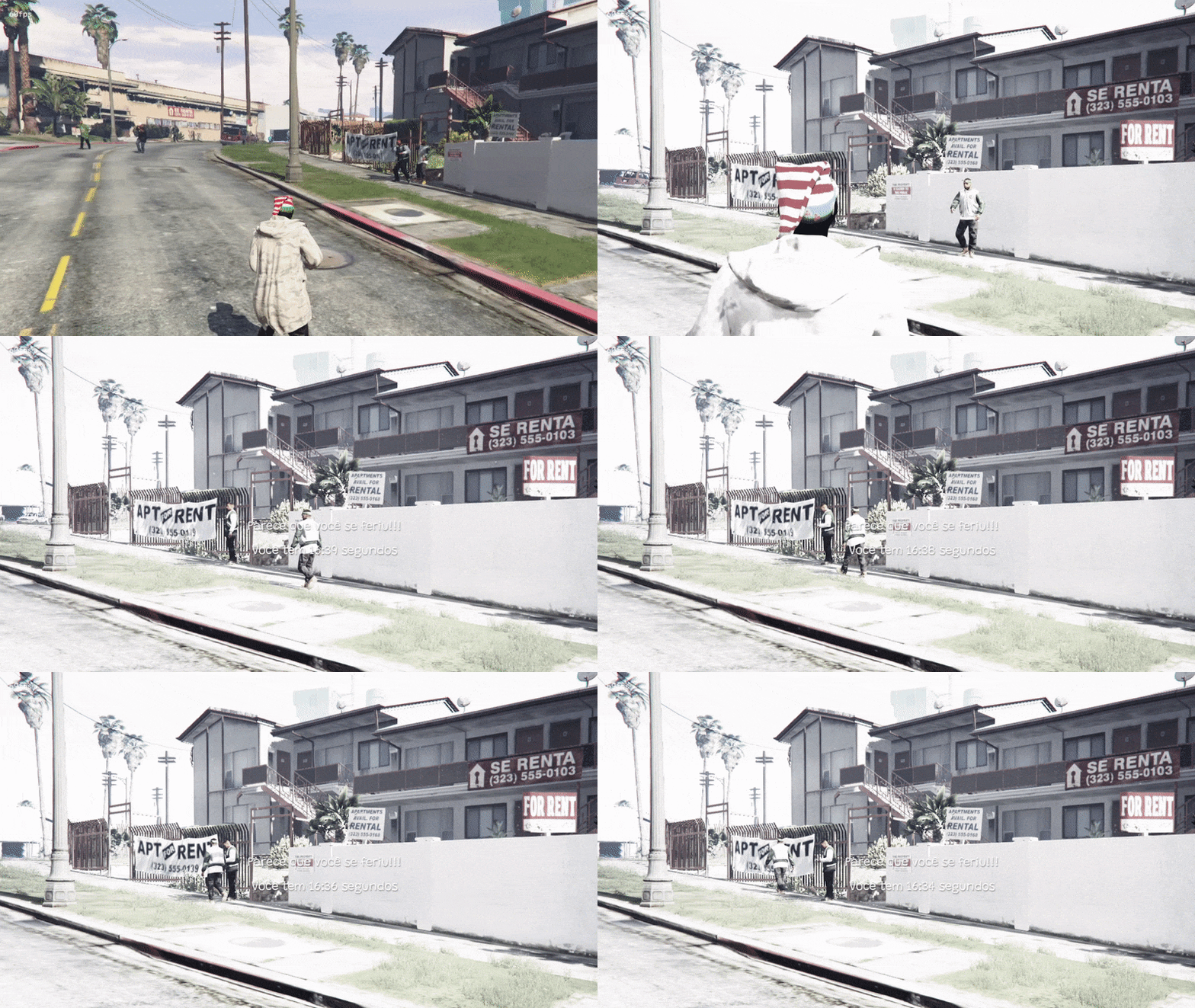
- Optional: a flash effect on your screen for a few seconds when you die.
- Optional: a screen shake with each hit you take.
Saved diagnoses
- Player diagnoses are saved, so medics can keep patient records. This can be disabled in the config.
- You set how many diagnoses each player can have; when the limit is reached, the oldest one is replaced by the new one.
YouTube video: saved diagnoses
Damage display
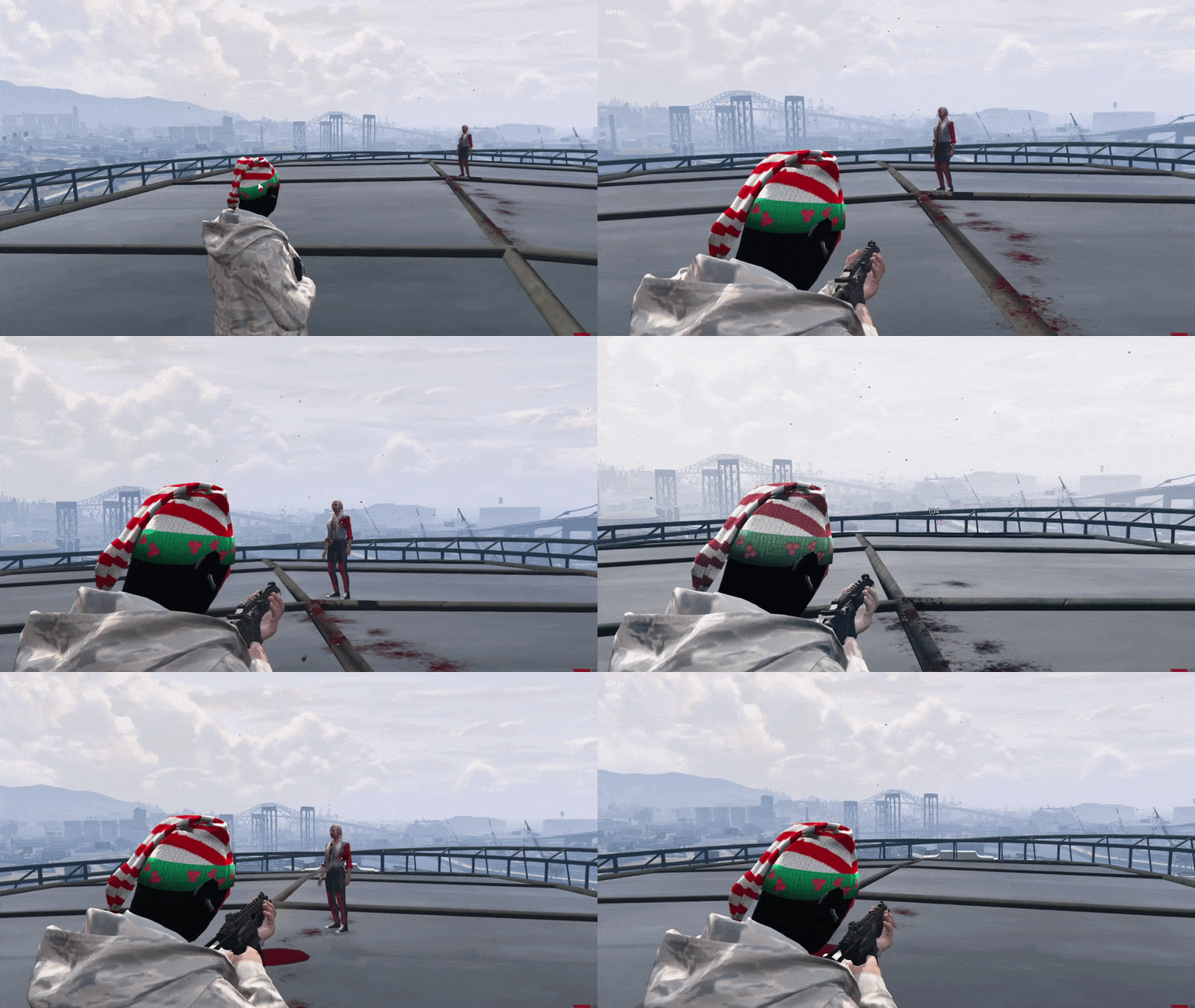
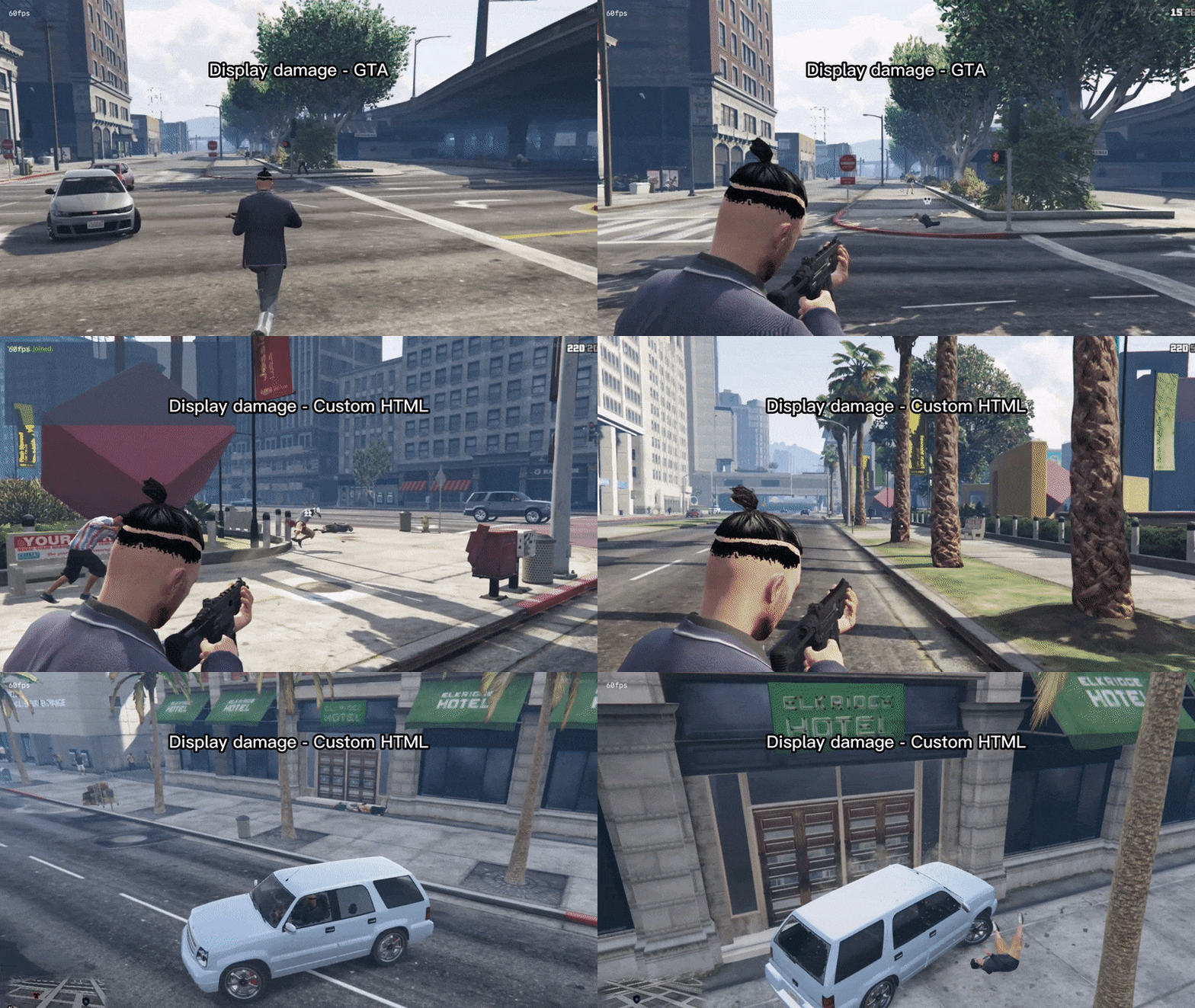
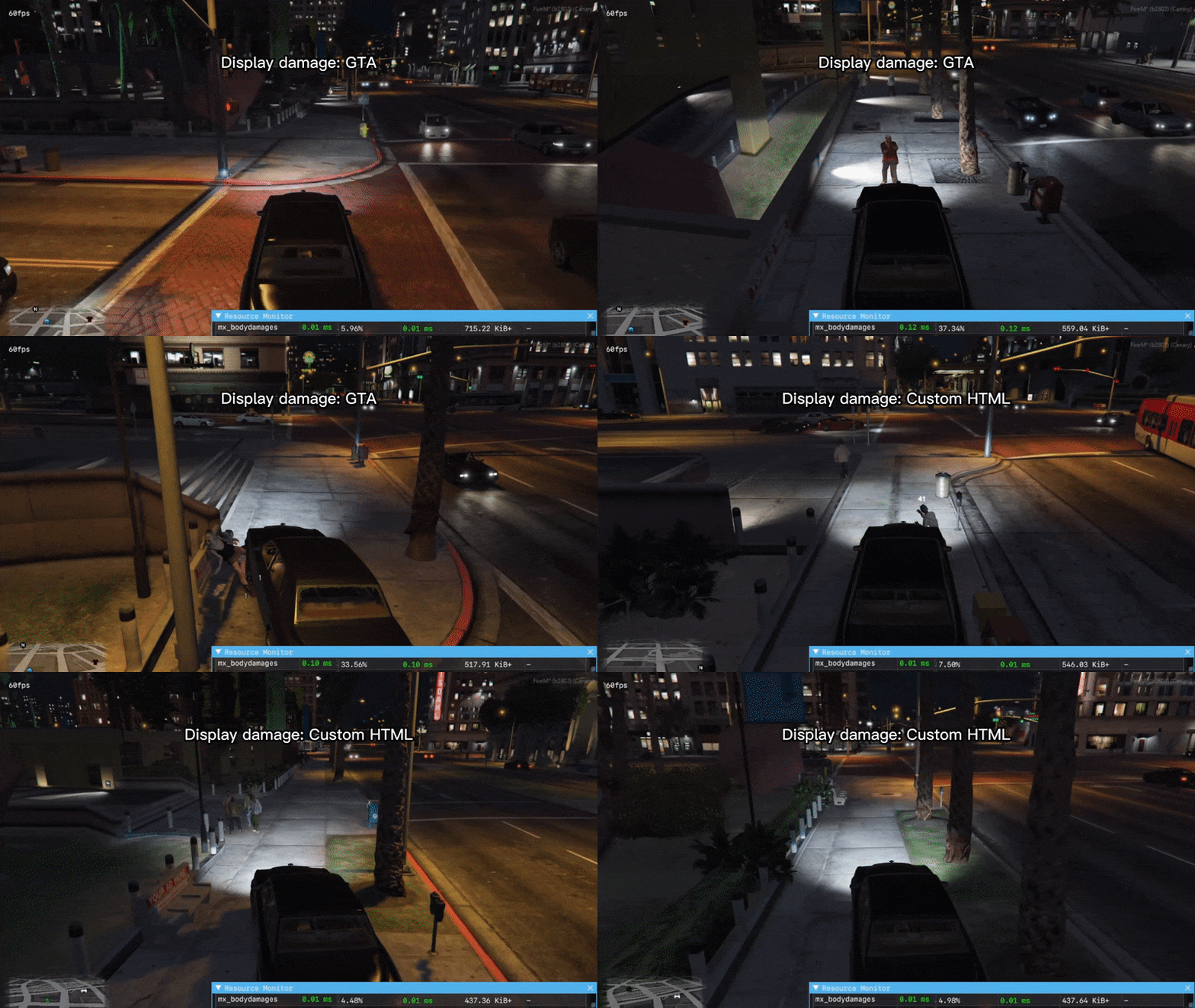
- Two damage display types: GTA’s own display or a custom HTML display. You choose which one to use.
- Both displays let you set a color or use RGB mode, and choose which display types are shown on screen.
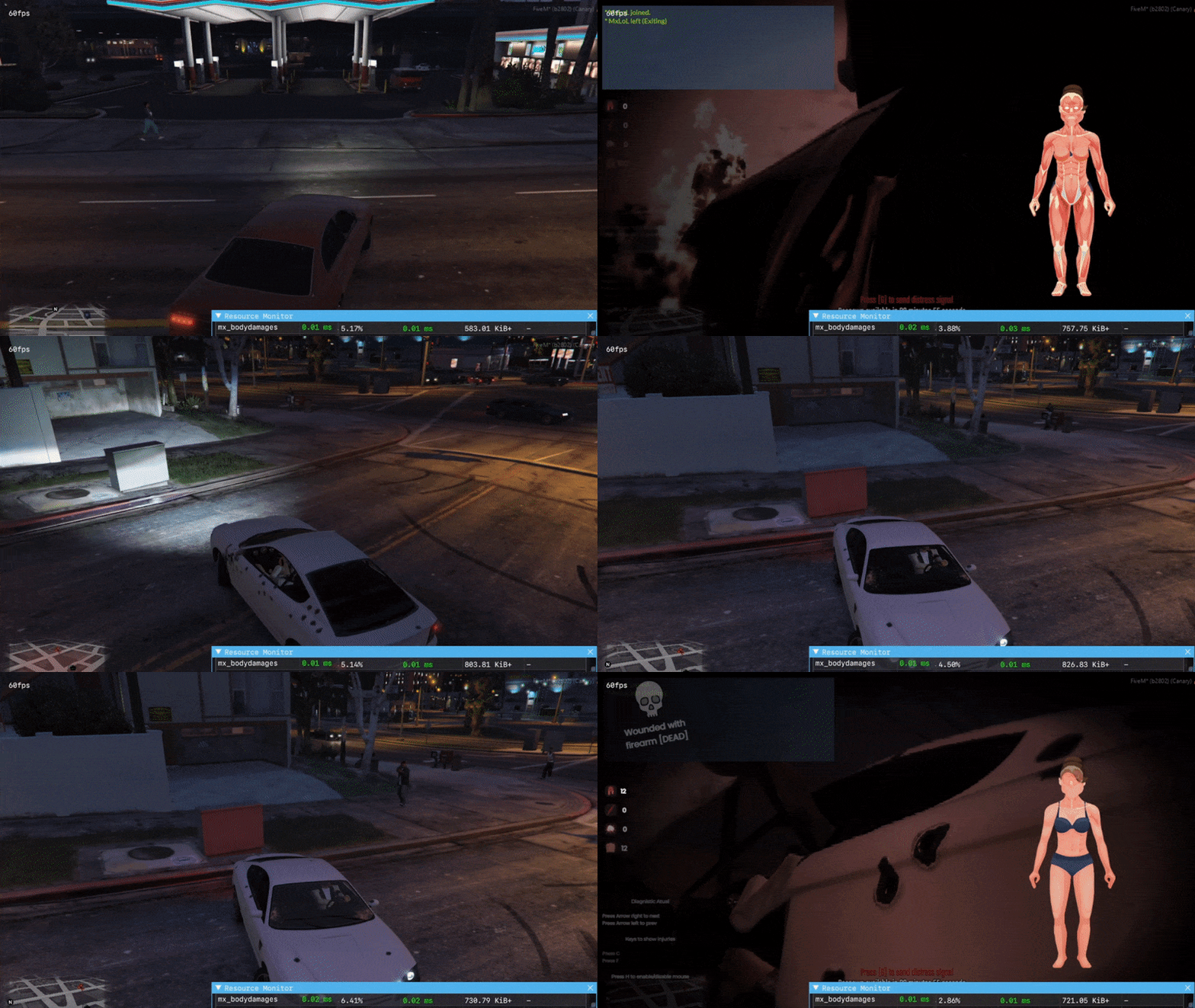
- When a player or ped is killed, “DEAD” appears on the display; this can be turned off in the config.
Damage display: GTA
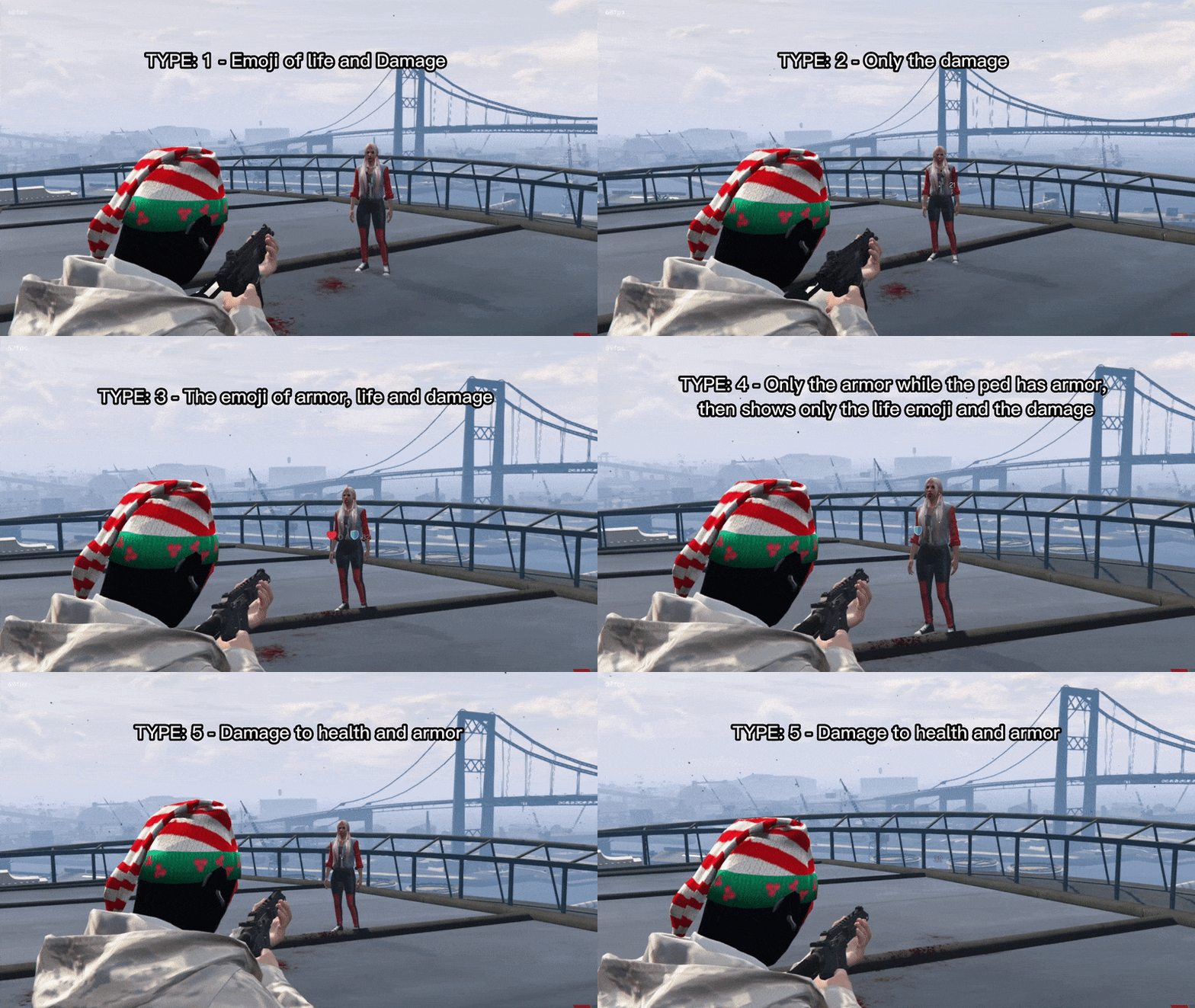
Damage display: custom HTML
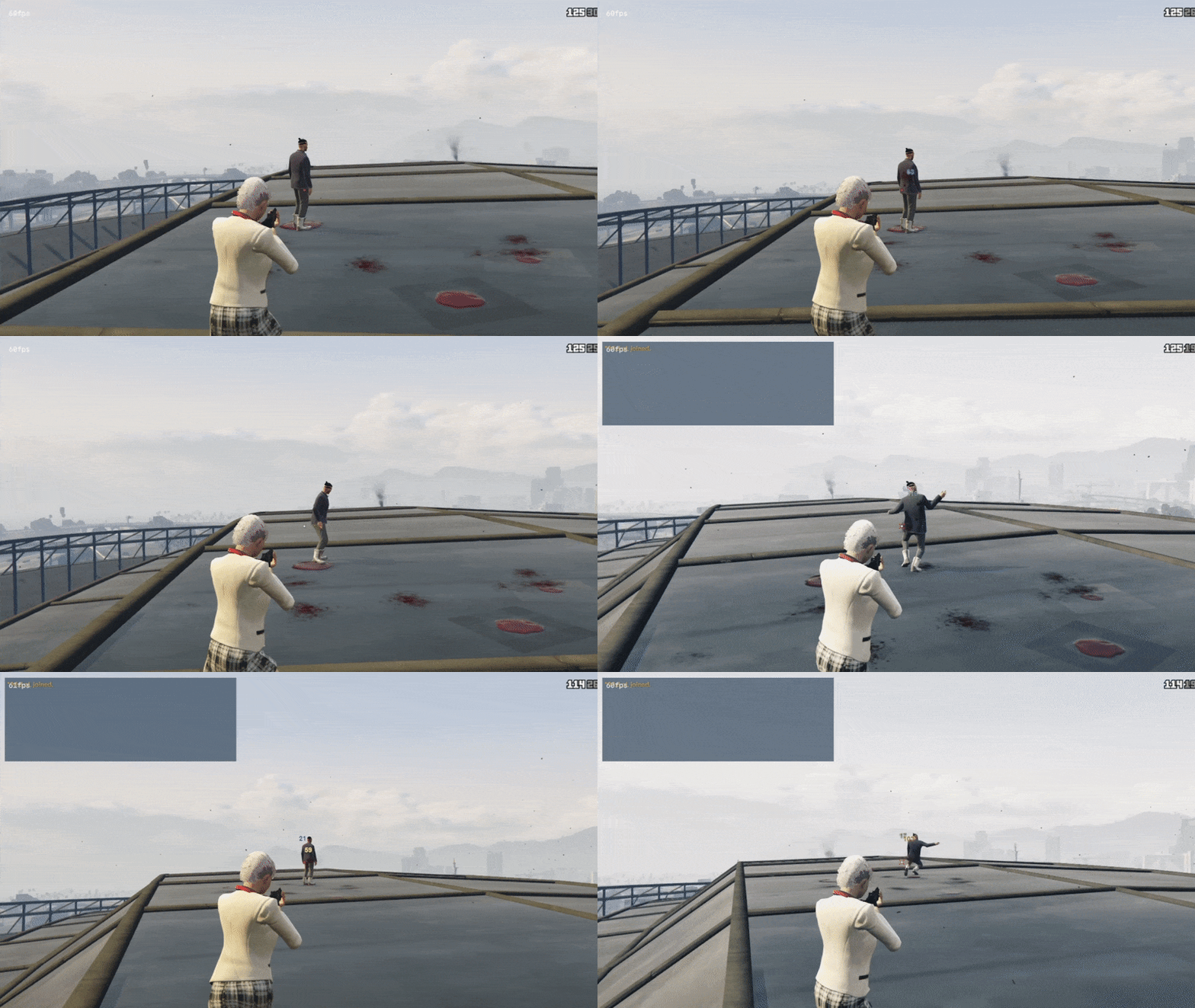
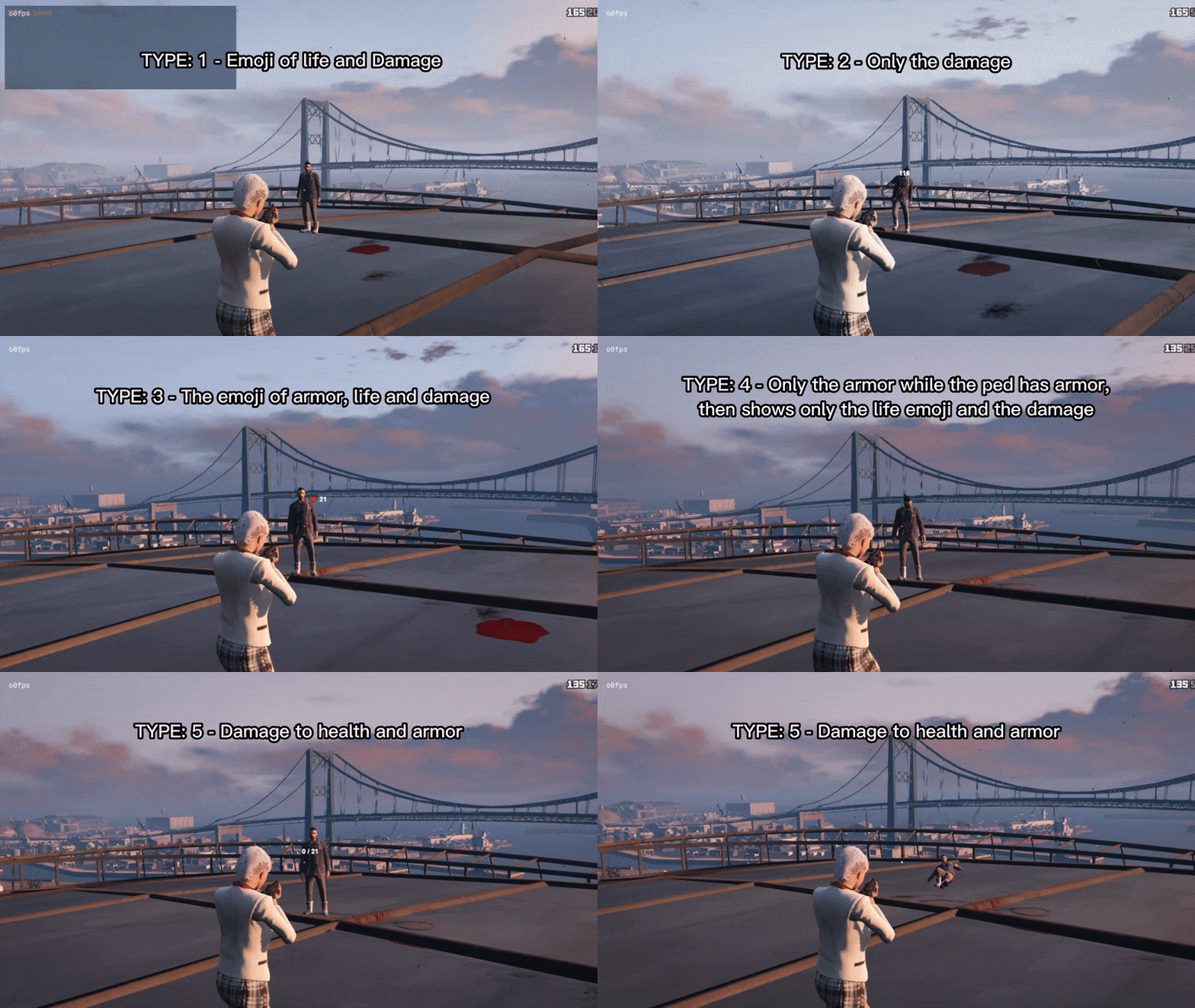
“DEAD” on the display:
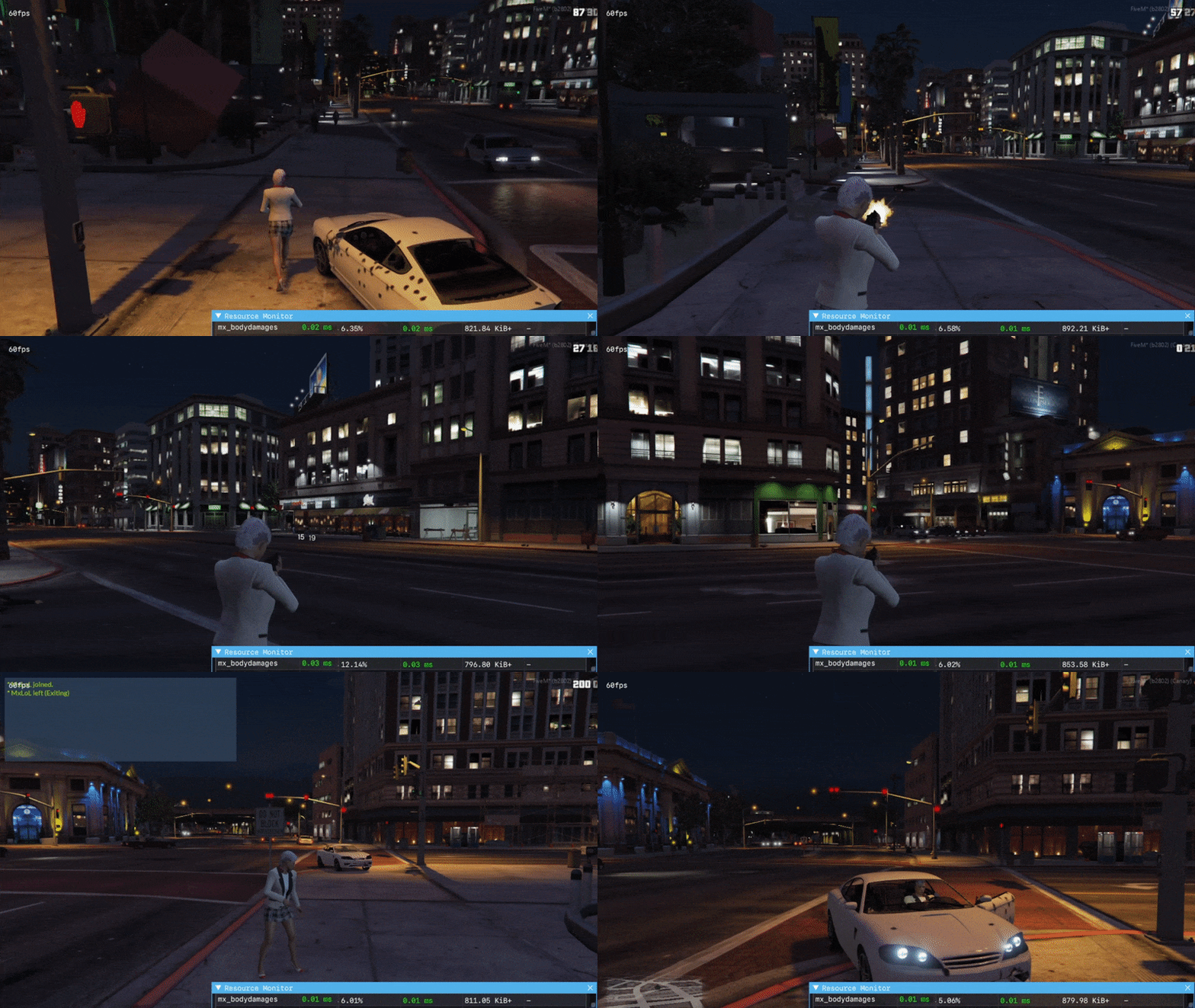
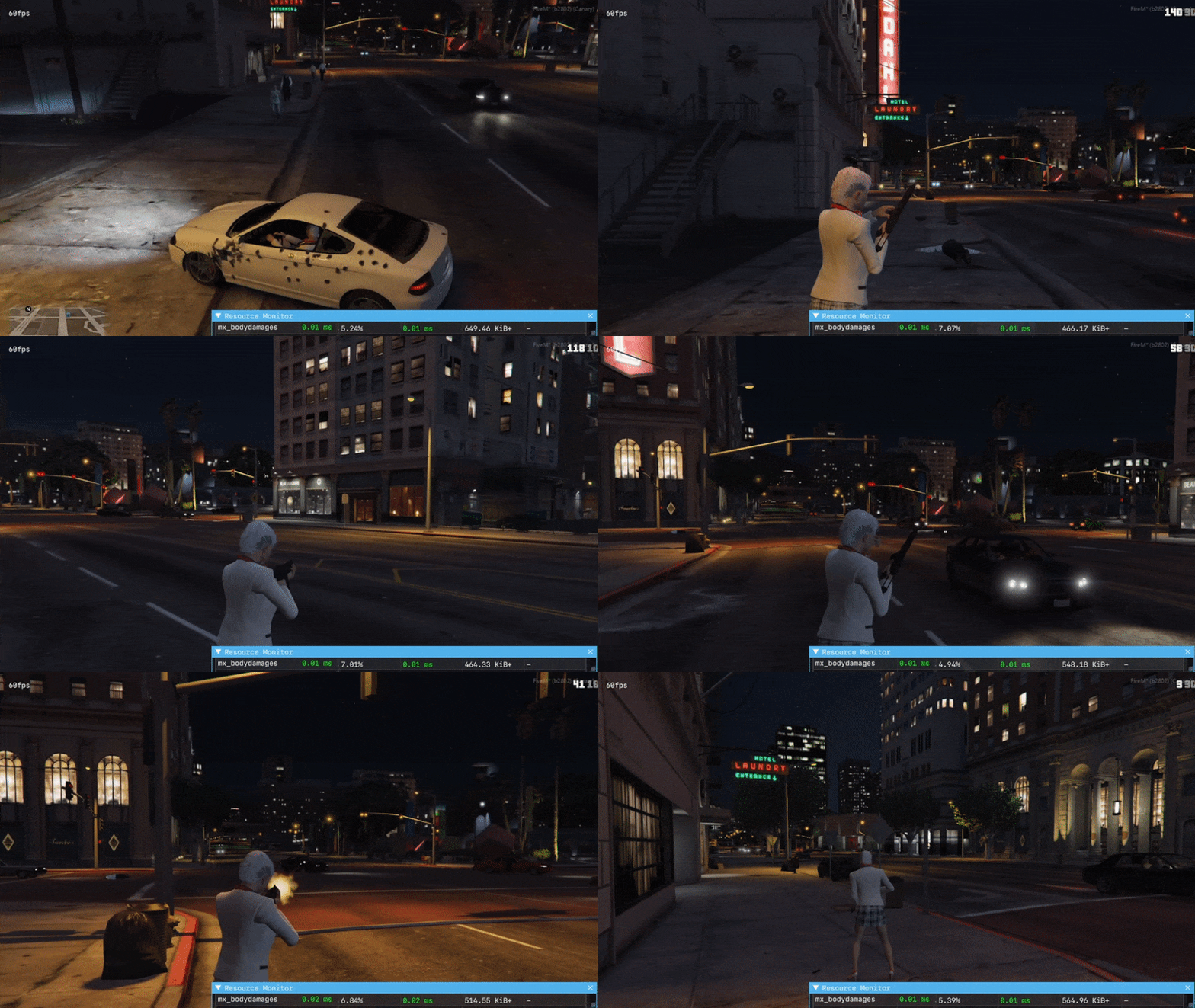
Author’s resmon captures (GTA display, custom HTML display, idle and while taking damage):
Installation
- Place the
mx_bodydamagesfolder in your resources and addensure mx_bodydamagesto your server.cfg. - The manifest does not load any framework; the title lists ESX, QBCore and standalone use.



